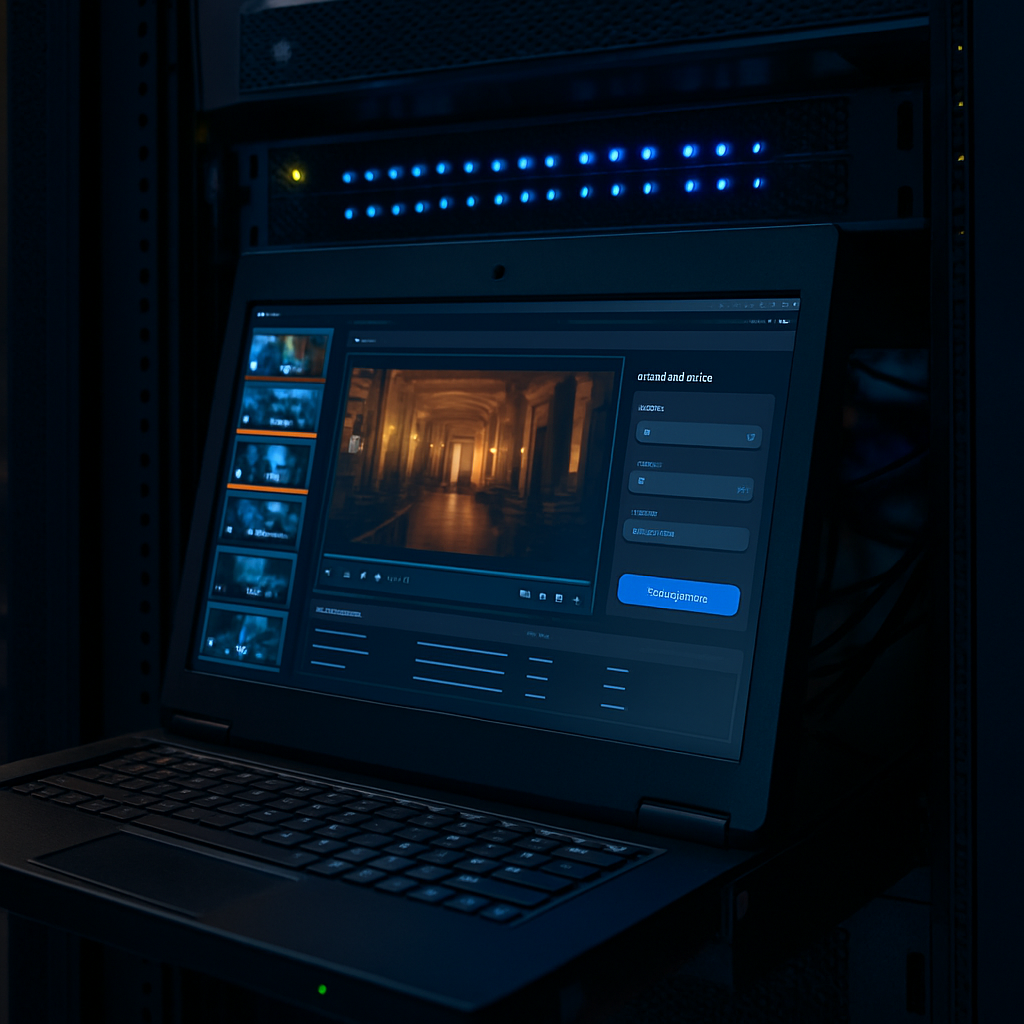

Before committing to a long-term hosting plan, testing matters. Free RTMP servers provide a safe environment to validate encoder settings, audio sync, and bitrate choices.
What should you test on a free RTMP server?
Free environments are ideal for:
- OBS configuration
- Audio-video synchronization
- Bitrate stability
- Encoder CPU load
They allow experimentation without consequences.
What free RTMP servers are not meant for
They are not designed for production use, continuous broadcasting, or monetized streams. Limits exist for good reason.
Understanding this distinction prevents unrealistic expectations.
Using free testing wisely
Free RTMP servers work best as part of a broader workflow. Test first, adjust settings, then move to a professional environment when ready.
Used correctly, they reduce errors and improve final stream quality.
To wrap up your article, here are two final paragraphs focusing on the strategic value of testing and the shift from “playground” to “production”:
The Role of Local Staging Servers
While public free RTMP servers are convenient, many professional broadcasters take testing a step further by setting up a local RTMP staging environment. Using open-source tools like Nginx with the RTMP module or MonaServer on a local machine, you can create a “sandbox” that perfectly mimics your production server’s configuration. This allows you to stress-test your local hardware and network without ever sending data over the open internet. By mastering your setup in a local environment first, you can identify if a stutter is caused by your computer’s CPU or your internet’s upload speed—a distinction that is nearly impossible to make when testing on a distant, shared free server.
Building a “Pre-Flight” Checklist
Ultimately, free testing environments should be used to develop a standardized pre-flight checklist. Just as a pilot checks their instruments before takeoff, a broadcaster should use a free server to verify that the Keyframe Interval is set to a strict 2 seconds, the Audio Bitrate is consistent, and the Encoder Preset isn’t causing frame drops. Once these variables are locked in and the “sync” between your audio and video is confirmed, the transition to a dedicated RTMP server becomes a simple matter of changing a URL and a stream key. This disciplined approach ensures that when you finally do go live for a paying audience or a major corporate event, you aren’t fighting technical glitches; you are simply executing a proven, tested workflow.
Final Article Structure
Your article now covers:
- The Value of Dedicated Servers: Control and reliability.
- Shared Hosting: The perfect starting point for growth.
- Security & Hybrid Workflows: Professional distribution strategies.
- Technical Optimization: Fine-tuning bitrates and buffers.
- Testing Strategy: Using free and local servers as a safety net.
Would you like me to generate a catchy title and a meta description for this article to help with SEO?
For a deep dive into setting up your own testing environment, this MonaServer OBS Tutorial explains how to host a private RTMP server for local testing.